Every page at once
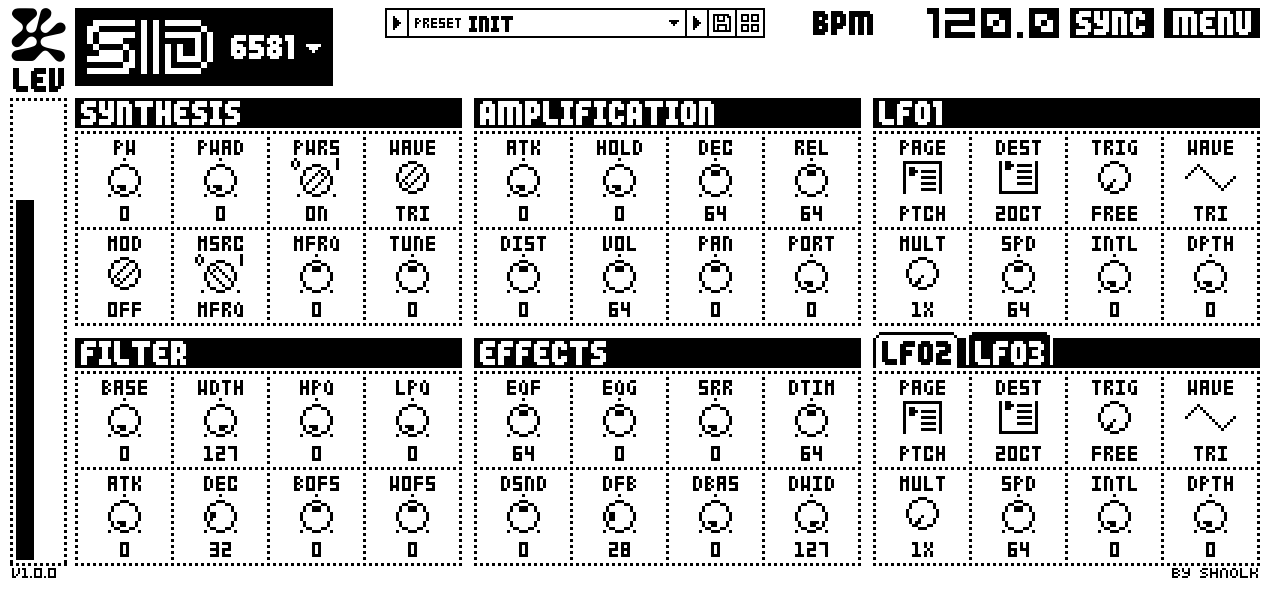
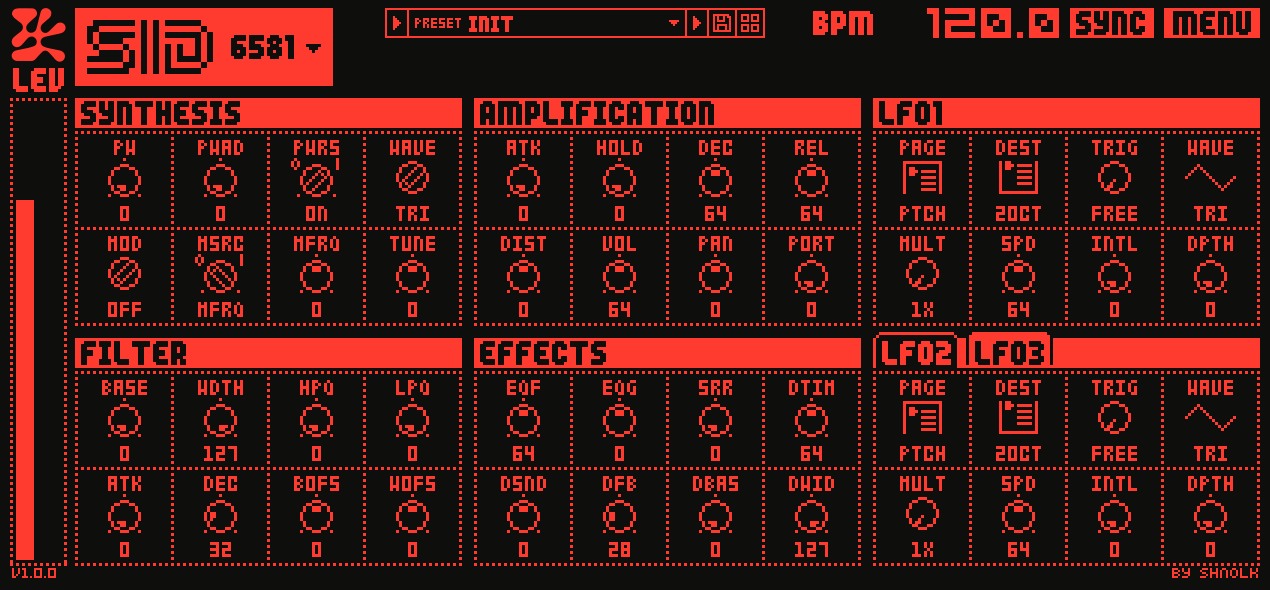
SYN, AMP, FILT, EFX and three LFOs share one screen. No menu diving, values always visible, and a click on any value lets you type it.
Chip-level Monomachine emulation
Introducing Monomodule 1.0
for macOS · Windows · Linux
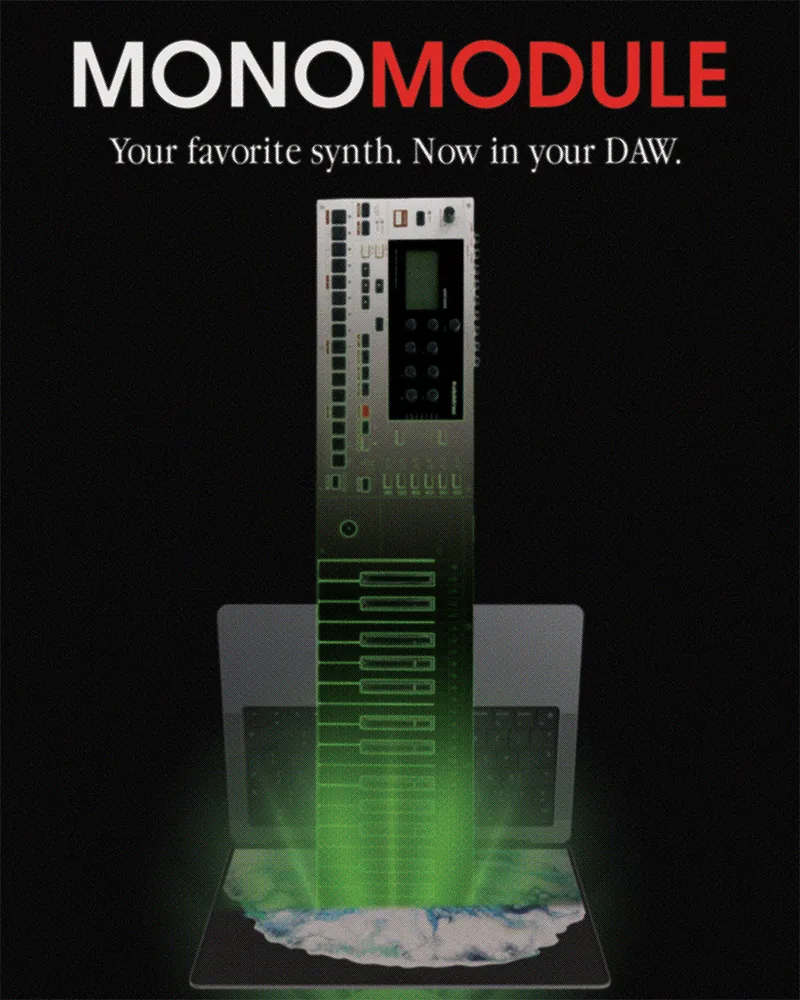
Free · Open source · AU / VST3 / Standalone
Monomodule runs the Elektron Monomachine's original DSP program inside an emulated Motorola DSP56300. Nothing is re-imagined with new DSP code, so all 22 machines match the hardware sample for sample.
AU and VST3 on macOS 12+, for Apple Silicon and Intel. VST3 and standalone on Windows 10+ and Linux. Loads in Ableton Live, Logic Pro, Bitwig Studio, FL Studio, Reaper and any other AU or VST3 host.
Download the free Monomachine OS 1.32B update from Elektron's website and select it once. That's the whole setup: no ROM dump, no hardware, and no Monomachine know-how needed.
All seven synth families, GND, SID, SWAVE, DPRO, FM+, VO and FX, with every one of their 22 machines. Each track gets the full SYN, AMP, FILT and EFX pages and three LFOs, just like the hardware.
Instrument · AU · VST3 · Standalone (Windows, Linux)
One channel of the Monomachine's audio engine: a single track that plays any of the 22 machines, with every page of the hardware on one screen. FX machines process its side-chain input.
Multitimbral · AU · VST3 · Standalone (Windows, Linux)
A whole Monomachine: all six tracks in one instance, on MIDI channels 1-6. Adds the hardware's routing between tracks, with out buses, FX inputs from neighbours and buses, six stereo outputs, whole-kit loading and track locks.
Audio effect · AU · VST3
The Monomachine's effects for any sound in your session. Put REVERB, CHORUS, DYNAMIX, RINGMOD, PHASER or FLANGER on any track, followed by the track's own filter, EQ and delay.
Standalone app
A home for your Monomachine sysex. Import dumps without losing a byte, keep a version history for each Monomachine you own, hear every preset, kit and pattern through the real engine, and drag them into the plugins or your DAW.
The original engine. Monomodule doesn't approximate the Monomachine. It loads the synth's own DSP program from the OS file and runs it, instruction for instruction, in an emulated Motorola DSP56300. The JIT compiles that code to native code, so it runs lightly on Apple Silicon, Intel and AMD.
Made for the DAW. A fully custom UI restructures all of the Monomachine's different screens into a single, easy to use window, making channel adjustments easier than has ever been possible.
Your sysex, playable again. The Library app imports Monomachine dumps without losing a byte, previews every preset, kit and pattern through the real engine, and lets you drag them into your plugins or straight into your arrangement as MIDI.
Free. For good. Monomodule is free and open source, and that won't change. Every future update will be free too, with its full source code on GitHub.
Seven synths. One plugin.
Every synth and machine that the Monomachine has to offer, running on identical DSP code as the real hardware.
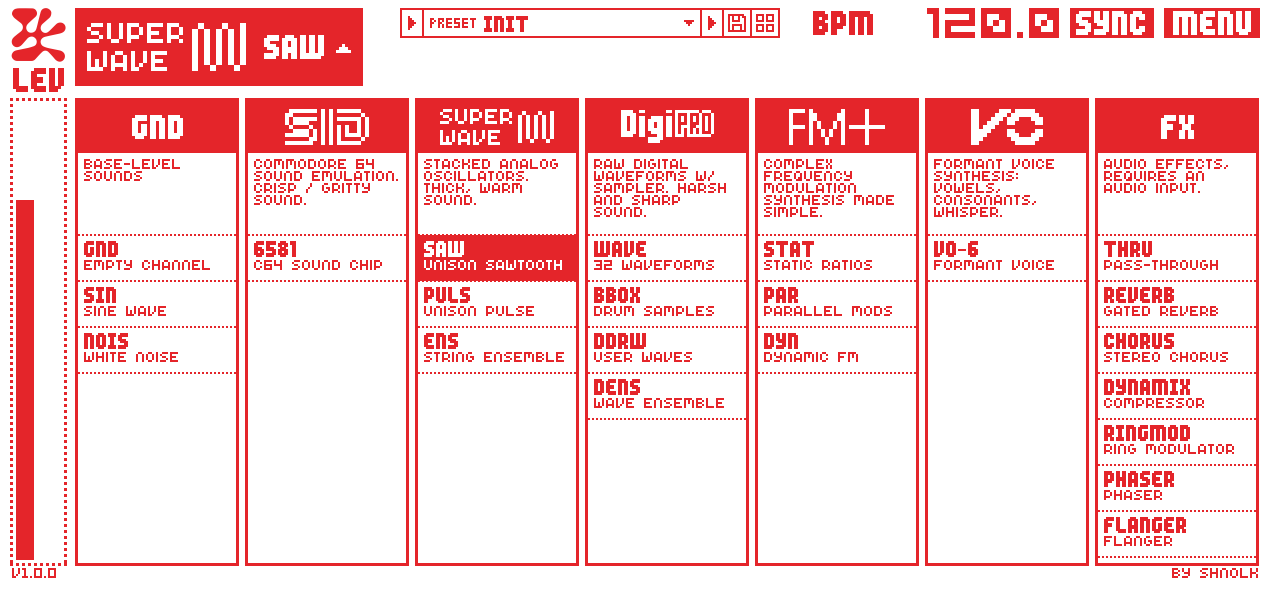
Base-level sounds.
Commodore 64 sound emulation. Crisp, gritty sound.
Formant voice synthesis: vowels, consonants, whisper.
SuperWave: stacked analog oscillators. Thick, warm sound.
DigiPRO: raw digital waveforms and a sampler. Harsh and sharp sound.
Complex frequency modulation synthesis, made simple.
Audio effects. They process One's side-chain, any track in Monomodule FX, or Six's neighbour and bus signals.
* DPRO-DDRW and DPRO-DENS read the Digibank waveforms, which live in the Monomachine's +Drive memory, not in the OS file. Monomodule builds a stand-in bank for them: the 32 DPRO-WAVE waveforms plus 32 classic single-cycle shapes.
SYN, AMP, FILT, EFX and three LFOs share one screen. No menu diving, values always visible, and a click on any value lets you type it.
Every knob is a raw 0-127 kit byte, as on the hardware. A track's settings are a kit track in a sysex dump, so nothing gets lost in translation.
CC 48-55 for SYN, 56-63 AMP, 72-79 FILT, 80-87 EFX, 7 for LEVEL and the LFOs on 88-95, 104-111 and 112-119. One MIDI stream drives plugin and Monomachine alike.
The three LFOs per track run at the hardware's rates and follow the host transport. Switch SYNC off to set your own tempo.
Six routes MIDI channels 1-6 to its tracks, with an OUT BUS for each and FX inputs from the neighbour track, the side-chain or a mix bus. Output per track, or as the AB / CD / EF buses.
Put REVERB, CHORUS, DYNAMIX, RINGMOD, PHASER or FLANGER on any channel with Monomodule FX, or feed One's side-chain the way the hardware takes its inputs.
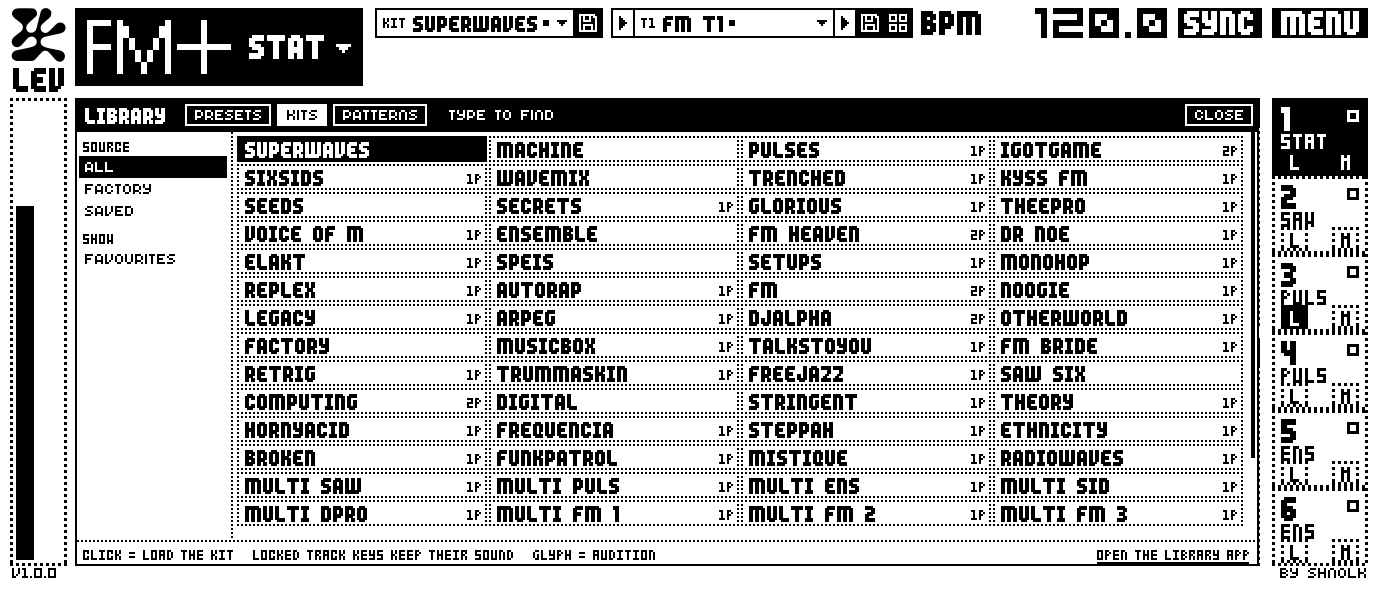
A preset strip and a library panel in every plugin. Saving makes a new version, never a replacement. On Six, lock tracks to keep their sound when you load a kit.
Drop tracks and kits from the Library onto One or Six. Drag a pattern into your DAW as MIDI, with notes, lengths, swing, slides and parameter locks as CCs.
mnm-render plays a note on any machine to a WAV file. mnm-libtool imports, verifies, exports and previews dumps from the terminal.
Default, Inverted, Low Contrast, or any two colours you like. The skin follows you into every Monomodule window.
 Default
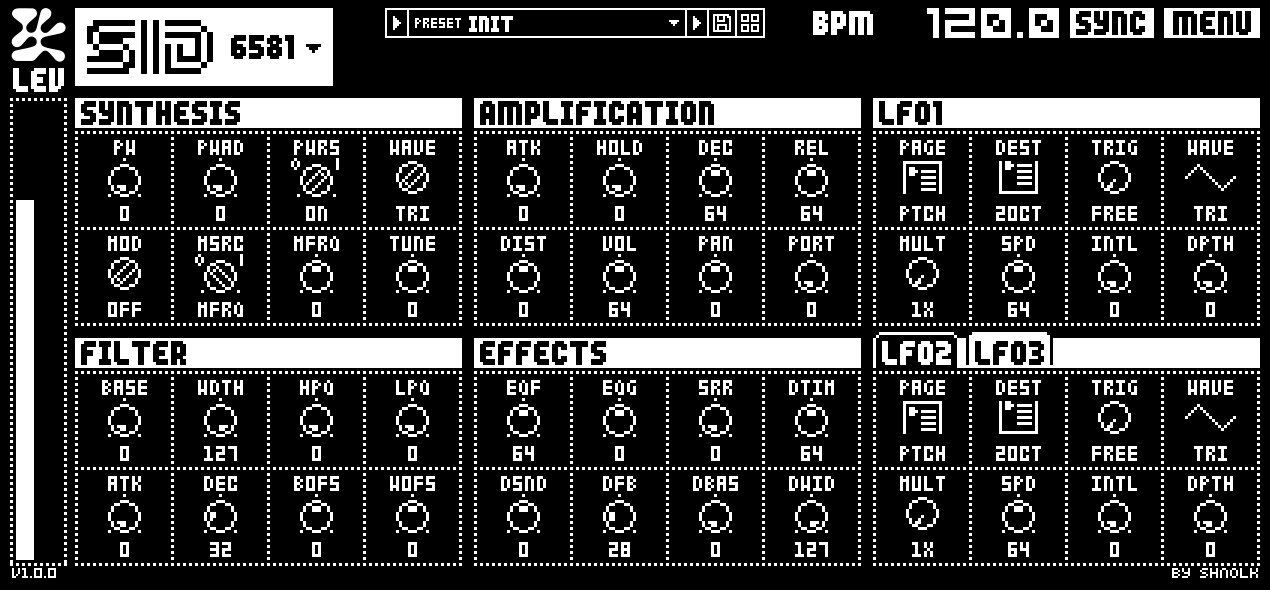 Inverted
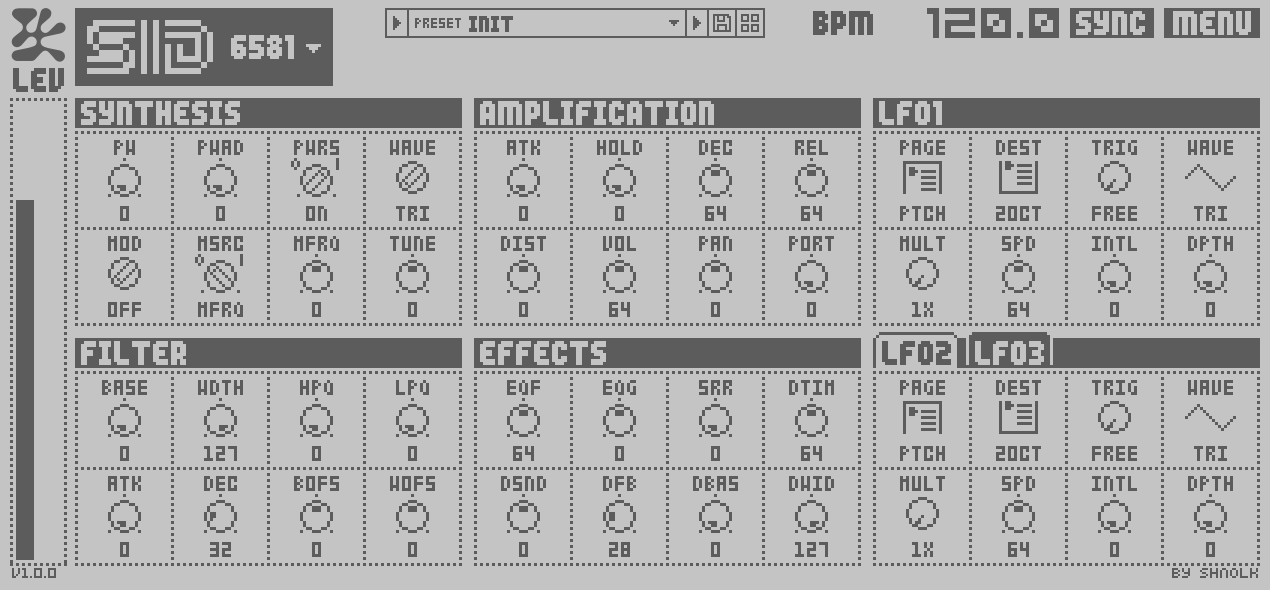 Low contrast
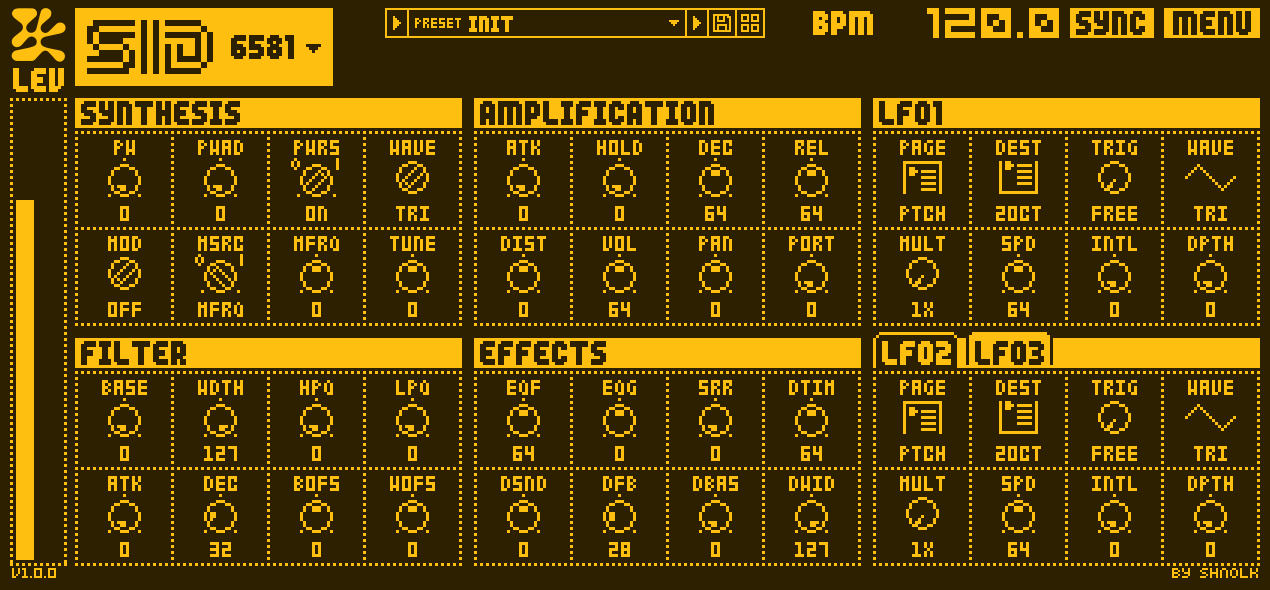 Custom · amber
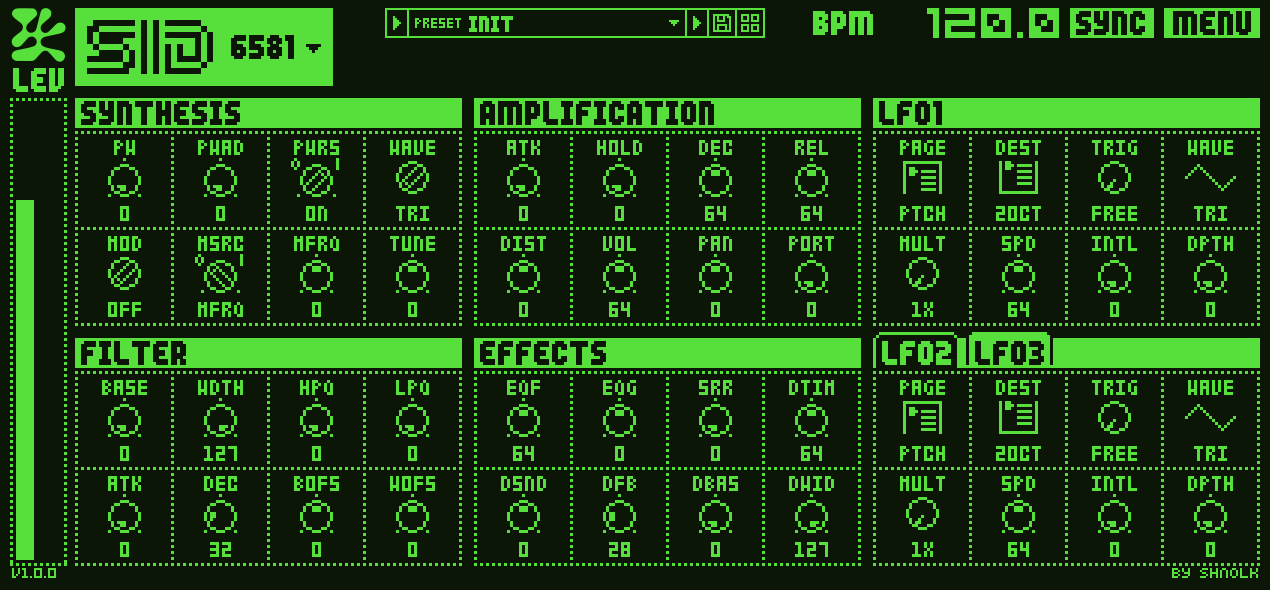 Custom · phosphor
 Custom · night
Monomodule Library
Sold the Monomachine but kept the backups? Import the dumps, hear every kit and pattern through the real engine, and drag them into your session.
The Library starts empty: version 1.0 has no factory sounds. It fills up with the sysex dumps you import and the sounds you save in the plugins.
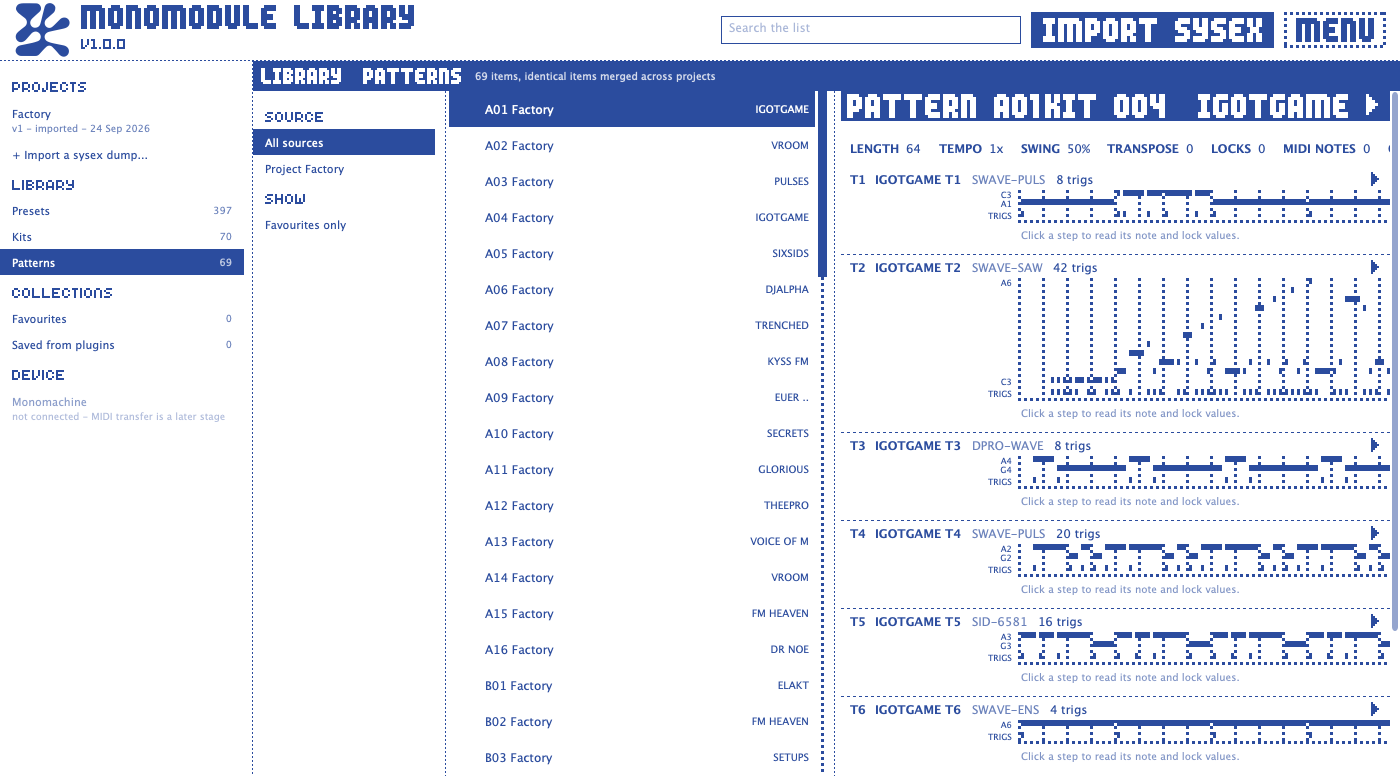
Each .syx file is decoded field by field and re-encoded byte for byte. mnm-libtool verify checks the round trip for you.
One project for each Monomachine you own, with a history nothing overwrites. Every save is a new version; restore any of them.
Every kit track becomes a preset. Identical items merge across dumps and link to every kit and pattern that uses them.
Click a preset, kit or pattern and the emulated DSP renders it in the background. Loop it seamlessly while you browse.
Drag presets and kits onto One or Six. Drag patterns out as MIDI on channels 1-6, ready to play on Six.
Rearrange slots, pull in kits and patterns from other projects, and export a .syx for the hardware after a pre-flight check.
Monomodule unpacks your OS file: the sysex transport, the flash container and the compressed sections. From these it takes the DSP program and data. It never copies or redistributes the file.
That program runs in the dsp56300 emulator, whose JIT compiles the DSP code to native code for arm64 and x64.
The Monomachine's main processor built the DSP's instructions. Monomodule does the same job: notes and triggers, tempo, parameter smoothing and three LFOs per track.
Every 16 samples, a 52-word parameter block goes into the DSP for each track and 16 stereo frames come back out.
As AU, VST3 or standalone, with the LCD drawn in the fonts and icons read from your OS file.
Get started in three steps
Latest release on GitHub.
All four apps in one download. All releases · Build from source
Install Monomodule, then open it in your DAW to begin the setup process and import the system firmware.
The first time you open a plugin, it asks for the Monomachine OS file, a free download from Elektron, and walks you through getting it. You only do this once: all the plugins and the Library app share it.
No factory presets in 1.0. Every plugin starts from an INIT sound. Save your own sounds as you go, or import sysex dumps saved from a Monomachine into the Library app.
| Platform | Plugins | Library app |
|---|---|---|
| macOS 12+ | Installer puts AU and VST3 in /Library/Audio/Plug-Ins/ | /Applications/Monomodule Library.app |
| Windows 10+ | Installer puts VST3 in C:\Program Files\Common Files\VST3\ (keep Install for all users) | C:\Program Files\Shnolk\Monomodule\ |
| Linux | Copy the .vst3 folders to ~/.vst3/ | ~/.local/bin/Monomodule Library |
モノモジュール
Monomodule is made by Shnolk and released as free software under the GNU Affero General Public License v3. Anyone may use, study, change and share it. Anyone who distributes it passes on the same rights, with the source.
Inside Monomodule
Build it yourself
git clone https://github.com/shnolk/monomodule
cd monomodule
cmake -S . -B build -G Ninja -DCMAKE_BUILD_TYPE=Release
cmake --build build
Needs CMake 3.22+, Git and a C++17 compiler. CMake fetches JUCE and dsp56300 on the first configure. Bug reports and pull requests are welcome.
Standing on the work of
No. You need the Monomachine OS 1.32B file, which Elektron offers as a free download from its website. The plugin shows you how to get it the first time you open it. Monomodule contains no Elektron software: it reads the OS file each time it starts and never copies it.
Quit and reopen the DAW after installing, then search its browser for “Monomodule”. The plugins are listed under the maker Shnolk. Monomodule One and Six are instruments. Monomodule FX is an audio effect, so it isn't in the instrument lists. If they still don't appear:
Still missing? Open an issue or email shnolk@halftone.world with your operating system, your DAW and its version, and what its plugin manager says about Monomodule.
Not in this version. Monomodule 1.0 has no factory library, so every plugin starts from an INIT sound and the Library app starts empty. That's normal, not a sign that something went wrong during setup. Save the sounds and kits you make in the plugins, or import sysex dumps saved from a Monomachine into the Library app, and they show up in every plugin.
That's usually the OS file. It's a .syx file too, but it holds the Monomachine's operating system, not sounds, so there's nothing in it to import. Once you've selected it in a plugin, it's already doing its job. The Library imports sysex dumps of kits and patterns saved from a Monomachine with Elektron's C6 or Transfer tools.
Monomodule runs the Monomachine's own DSP program, so the synthesis and effects are the hardware's code, not a re-creation of it. What the Monomachine's main processor did (note handling, parameter smoothing, the LFOs) is rebuilt to match. The known differences are listed below.
AU and VST3 on macOS 12 or newer, on Apple Silicon and Intel. VST3 and standalone on Windows 10 or newer (x64) and Linux (x64). Monomodule FX is an AU and VST3 effect, and the Library is a standalone app on every system. Pro Tools isn't supported, because it only loads AAX plugins.
Yes. The Library imports .syx dumps without losing any data and keeps a version history for each Monomachine you own. Presets, kits and patterns load straight into One and Six, and the plugins share them with the app.
Not over MIDI yet. Export a .syx from the Library and send it with Elektron's C6 or Transfer tools. Because every parameter is a raw kit byte, a sound comes back from the hardware exactly as it went out.
Yes, free as in price and free as in freedom. Monomodule is licensed under the GNU AGPL v3, and the complete source is on GitHub. It's built on JUCE (AGPLv3) and dsp56300 (GPLv3).
No. Monomodule is an independent project. It is not affiliated with, endorsed by or sponsored by Elektron Music Machines MAQ AB.
Open an issue on GitHub, send a DM to @shnolk on Instagram, or email shnolk@halftone.world.